

Fix a duplicate by first proving whether both profiles represent the same business at the same location. Then use the matching Google path: request ownership, suggest a merge in Maps, remove a duplicate you created, update a moved location, or appeal when two distinct eligible businesses were marked as duplicates.
Last verified: September 2, 2026.
Google's documentation says:
You can only have one profile per business.
Duplicate resolution
Classify before you remove
- 01Preserve
Record both profiles
URLs, ownership, name, location, phone, category, site, status, and reviews
- 02Classify
Decide what each record represents
Same business, different owner, moved business, or distinct eligible businesses
- 03Resolve
Use the matching Google path
Request ownership, merge, remove, update the move, or appeal
- 04Readback
Align and verify the survivor
Profile, page, citations, call route, reviews, and public status
Google Business Profile Help: Resolve duplicate profiles and ownership issues; checked September 2, 2026.
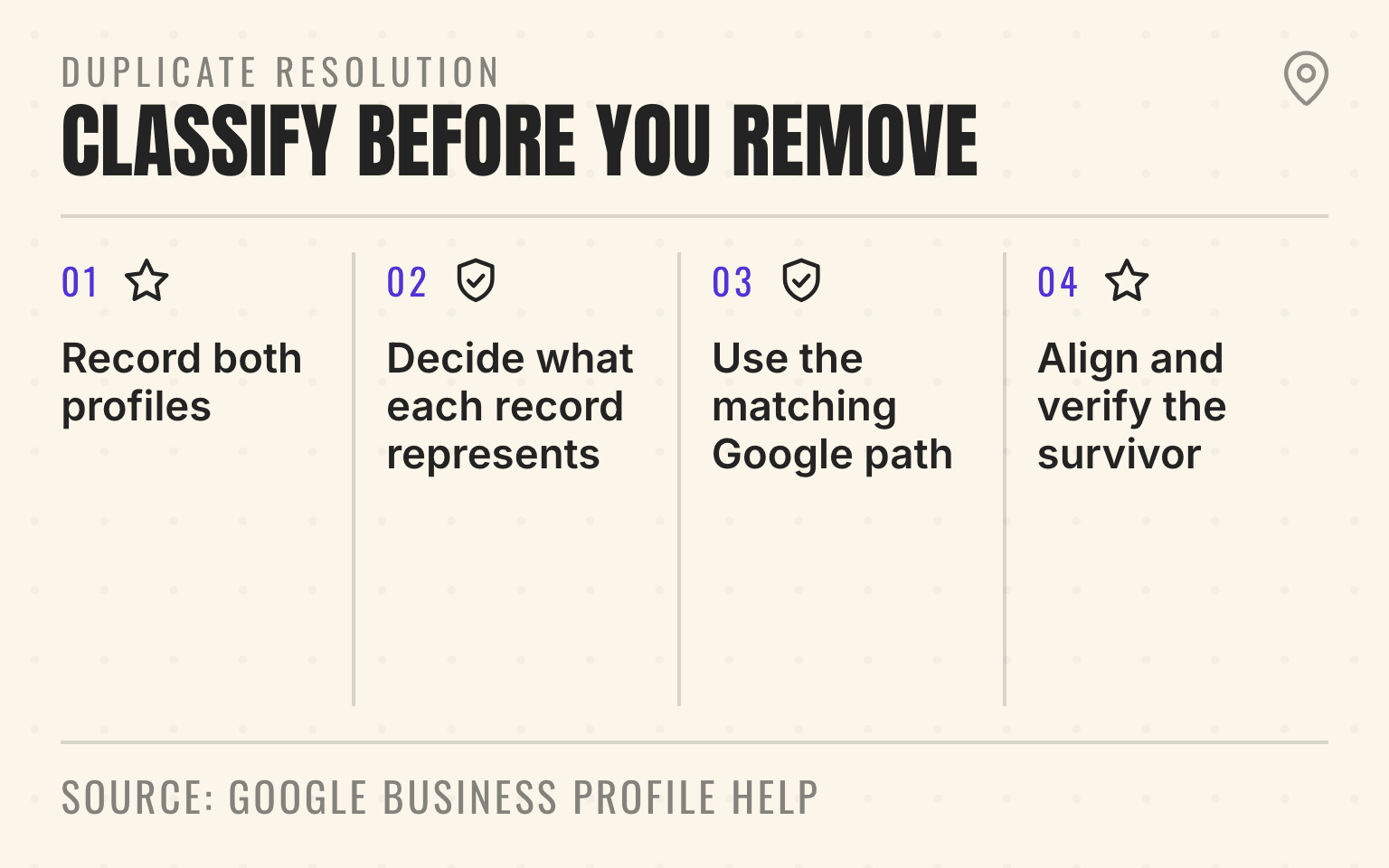
- Four-step process to classify and resolve duplicate Google Business Profiles.
- 1. Record both profiles: URLs, ownership, name, location, phone, category, site, status, and reviews
- 2. Decide what each record represents: Same business, different owner, moved business, or distinct eligible businesses
- 3. Use the matching Google path: Request ownership, merge, remove, update the move, or appeal
- 4. Align and verify the survivor: Profile, page, citations, call route, reviews, and public status
Do not delete or create a profile until you have recorded both profile URLs, ownership, name, address or service area, phone, category, website, status, and review count.
Choose the correct Google path
An existing profile belongs to another owner: request access. Google gives the current owner a response window and may allow a claim if there is no response.
Two profiles represent the same business: suggest a merge on Google Maps. Google reviews the request. The profile information should match before the merge.
You created the duplicate by mistake: remove the duplicate from your account only after confirming the surviving profile. Google warns that profile-content removal is permanent and may not remove the public Maps record.
The business moved: update the existing profile address. Google says not to create a new profile for the new location.
The profiles represent different eligible businesses: appeal the duplicate status. Google may ask for evidence such as permanent signage when distinct businesses serve customers at the same address.
Next step
Is AI recommending your business?
Find out how visible you are across ChatGPT, Gemini, Perplexity, and AI Overviews.
Protect the surviving branch record
Google says eligible merges combine reviews, although review replies may be lost. Keep a before snapshot. After Google finishes, verify the surviving name, phone, hours, category, website, service area, owners, and reviews directly in Search and Maps.
Then update the website and structured data to point to the surviving profile. Remove internal links to the obsolete profile URL. Check call routing and location finders so customers do not land on the retired record.
The location-page checklist covers the surviving page. The citation cleanup guide covers other public records that still carry the duplicate facts.
Why this matters for AI search
OpenAI, Google, Perplexity, and Bing can retrieve public web pages and business information through their search systems. Two conflicting profiles create a source-quality problem and a customer problem. Cleaning the duplicate does not guarantee an AI recommendation, but it removes a false branch record from the evidence set.
Use the AI Visibility Grader after the surviving profile and page are public. Compare the same prompt and market rather than relying on a parent-brand search.
Sources
- Resolve duplicate profiles and ownership issues, Google Business Profile Help, no publication date. Checked September 2, 2026.
- Remove a profile from your account, Google Business Profile Help, no publication date. Checked September 2, 2026.
- Guidelines for representing your business on Google, Google Business Profile Help, no publication date. Checked September 2, 2026.
Dylan Allen-Arnegård is the CEO and Co-Founder of Cheers. I help multi-location service brands get recommended by AI search and Google, with results tracked by location, employee, and competitor.