

Google Business Profile Help limits bulk verification to organizations managing at least 10 eligible profiles for the same business. The help page had no publication date when checked on September 2, 2026.
Last verified: September 2, 2026.
Google's documentation says:
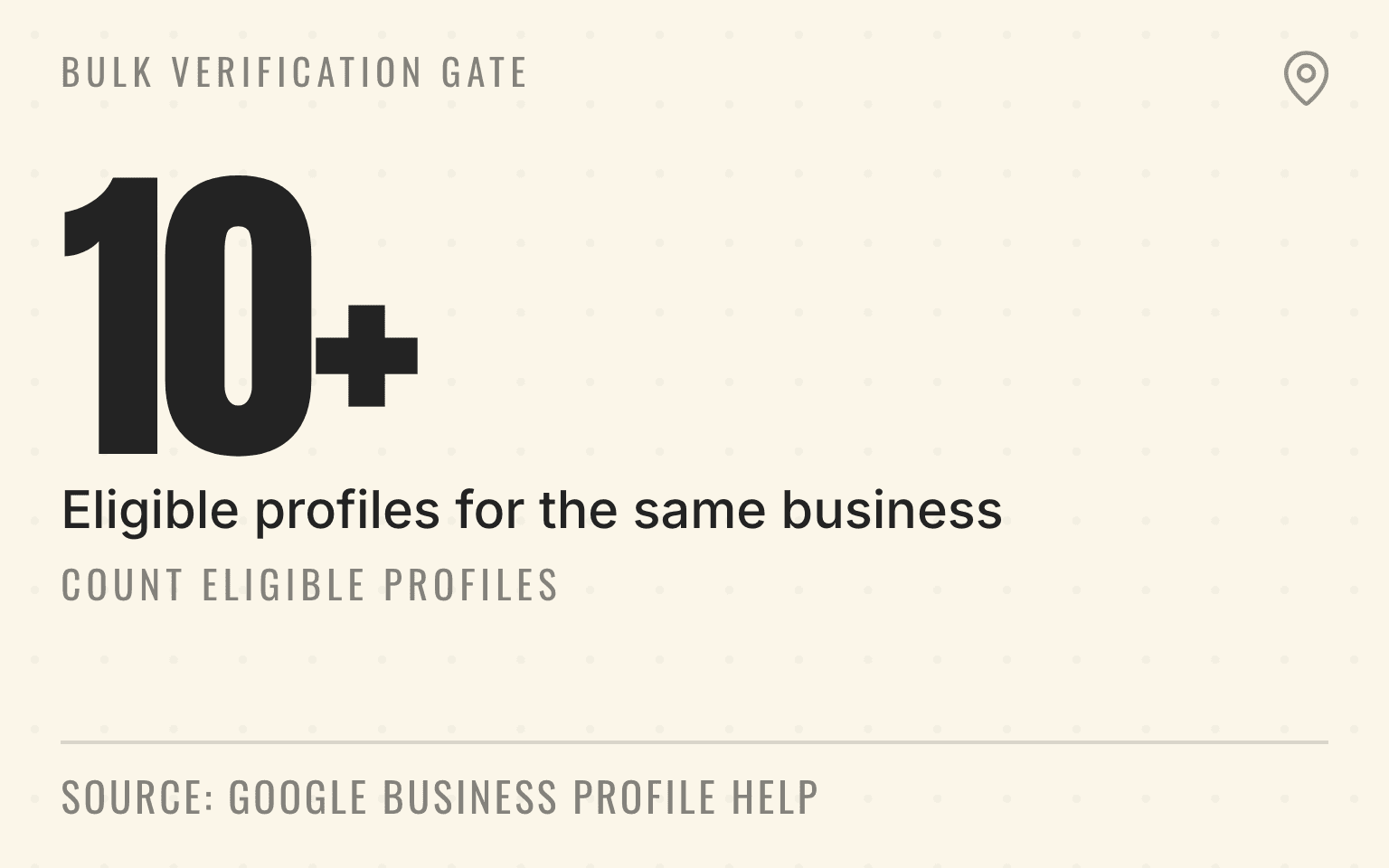
Your business manages 10 or more profiles for the same business.
Bulk verification gate
Count eligible profiles
10+
Profiles for the same business
Google Business Profile Help: Verify Business Profiles in bulk; checked September 2, 2026.
Google Business Profile bulk verification is designed for an organization that manages 10 or more profiles for the same business. For a roofing franchise with staffed branch offices, that may be a clean fit. For a plumbing network whose crews dispatch from warehouses that customers never visit, it usually is not. Those pure service-area locations need an individual verification plan.
That distinction matters before an operations team builds a spreadsheet, consolidates ownership, or asks franchisees to change profile access. The wrong assumption can create duplicate profiles, ownership disputes, and a verification queue that does not match how the branches operate.
For operators building the wider local source system, Cheers' multi-location local SEO approach connects profile governance to location pages, reviews, citations, and location-level measurement. Bulk verification is one control inside that system, not a substitute for it.
Important
Count eligible locations, not every branch in the CRM. A suspended profile, duplicate, disabled profile, or pure service-area location may change the verification path.
The short answer
A home service franchise can request bulk verification when it manages at least 10 eligible profiles for the same business, includes all of those profiles in the account, uses a business group, and has a clean account and complete location data.
Google's bulk-verification help says the business cannot be a service-area business. A separate Google help page explains the practical exception: a service-area business such as a plumber may use bulk verification when its locations also serve customers at those locations during regular business hours. If customers cannot visit the location, Google directs the business to verify each profile individually.
The decisive question is therefore not whether the company is in home services. It is whether each location in the proposed bulk set is a real customer-facing place that the business can prove and maintain.
Start with the customer-facing test
A customer-facing branch has a real location where customers can arrive during stated business hours and receive service. A showroom, retail counter, staffed office, or public studio may qualify when its signage, staff, hours, and profile all match the real business.
A mailing address does not pass that test by itself. Neither does a warehouse where crews collect equipment but customers are not received. A coworking address, virtual office, unstaffed franchise territory, or technician's home should not be turned into a storefront profile to reach the bulk threshold.
This is where home service portfolios split. A pest-control company may have ten staffed regional offices with customer counters and five dispatch-only yards. A garage door franchise may have public showrooms in large markets and service-area branches elsewhere. A med spa group may have customer-facing studios throughout the network. The same brand can therefore have more than one verification path.
Can a home service company have multiple Google Business Profiles in one city? provides the pre-creation test for deciding whether another staffed branch qualifies for its own profile.
How service-area businesses should show coverage for AI search explains how to publish real branch and coverage facts without turning every territory into a fake storefront.
Count eligible profiles before building the spreadsheet
Google requires 10 or more profiles for the same business. Duplicate, suspended, and disabled profiles do not count. An operator with 14 records in its location database may discover that only eight belong in a bulk-verification request after removing two duplicates, two dispatch-only yards, one suspended profile, and one acquired brand that still operates under a different name.
Run the count at the profile level. For each location, record whether customers can visit, whether the profile is owned, whether another profile belongs to the same place, whether the business name matches the real-world brand, and whether the profile is active and error free.
Use one of three outcomes: include in the bulk set, verify individually, or resolve before either path. The third group includes claimed profiles, duplicates, suspensions, uncertain addresses, inconsistent names, and locations whose public access has not been confirmed.
Route suspended locations through the Google Business Profile suspension appeal workflow before counting the verified portfolio.
The cleanup matters beyond verification. The duplicate Google Business Profile guide covers how to identify the surviving local record before changing website links, citations, and structured data.
Put ownership into a business group
Google's bulk workflow starts with an account that uses an email on the business's domain and a business group that contains the profiles. A business group lets multiple owners and managers work on a set of locations without sharing a password.
Before the verification request, use the multi-location Business Profile access guide to assign internal ownership, group boundaries, agency access, and a recurring readback for every profile in scope.
For a franchise or PE-backed service platform, access design should follow operating responsibility. Corporate may own the business group while franchise operations, local marketing, and an approved agency receive the minimum access they need. A former employee's personal account should not be the only owner of a branch. A seller or old agency should not remain the primary control point after an acquisition.
Do not move profiles casually. First map current owners, managers, agencies, and unresolved access requests. Then define who owns the group, who can add or remove users, who maintains location data, and who handles verification exceptions. The new-location launch guide shows where profile ownership fits into the full branch-launch sequence.
Pro Tip
A business group is an access-control system. Keep one accountable owner, grant role-based access, and review membership after acquisitions, agency changes, and employee departures.
Next step
Is AI recommending your business?
Find out how visible you are across ChatGPT, Gemini, Perplexity, and AI Overviews.
Prepare the location evidence Google expects
The spreadsheet is a structured inventory, not proof that every location is eligible. Google still reviews whether the business exists at the claimed locations and whether the account can represent it.
Google's documented bulk fields include a unique business code, the real-world business name, address details, primary phone or website, categories, hours, and other profile attributes. The business code is an internal identifier, so use a durable branch or franchise code instead of a city name that may be reused. Names and categories should stay consistent across locations unless the real business differs.
Before the request, reconcile the sheet against the website locator, location pages, phone routing, signage plan, and franchise operations roster. Use direct local phones and location URLs where they exist. Use a company-domain email for the account. Include all profiles managed for the same business instead of submitting only the easiest ten.
Google may ask for additional evidence or video verification. A branch should be ready to show its permanent signage, customer entrance, tools, branded equipment, staff access, and authority to represent the business. The exact verification methods are chosen by Google, so the operating team needs to be available when a location exception appears.
Route pure service-area branches to individual verification
A service-area branch without a public customer entrance should not be converted into a storefront for bulk verification. Google directs these businesses to verify each profile individually. Assign a local evidence owner, keep the operating address hidden when customers are not served there, and use the service-area video verification plan for the one-take location, business, and management proof.
Treat bulk verification as governance, not a ranking switch
Bulk verification does not grant better rankings, reviews, or AI citations. It gives an eligible organization a scalable way to establish and maintain control of its profiles.
That control is valuable because local facts drift. Branch hours change. A franchise transfers ownership. An acquisition keeps an old profile alive. A phone system replaces local numbers. A service-area team moves its base. Without profile governance, the website, Google Business Profile, directories, and review operations start describing different businesses.
Google's guidance for AI features in Search points businesses back to normal Search fundamentals and says that accurate Business Profile information can help visibility in AI responses and other Google results. The useful connection is accuracy, not a special AI tactic. Google Business Profile alone is not the full AI visibility system; the profile has to agree with crawlable location pages, reviews, citations, service facts, and real operations.
Run the request as a two-week operating sprint
Give the work one accountable owner and a short exception queue. A practical sequence is:
- Confirm the account uses the business domain and create the business group.
- Audit every managed profile for customer access, ownership, duplicates, suspensions, naming, category, phone, website, hours, and branch status.
- Separate eligible customer-facing profiles from individual-verification locations and unresolved exceptions.
- Upload the complete eligible set, fix spreadsheet errors, and then submit the separate bulk-verification request.
- Track Google's follow-up requests by location, preserve proof, and update the operating record when a profile is verified or rejected.
After verification, read the live profiles back against the location inventory. Then schedule a quarterly access and accuracy review. Verification is complete only when the public profile, ownership model, and operating record agree.
Sources
- Verify Business Profiles in bulk, Google Business Profile Help, no publication date. Checked September 2, 2026.
- Bulk location management overview, Google Business Profile Help, no publication date. Checked September 2, 2026.
- Understand delays in bulk location verification, Google Business Profile Help, no publication date. Checked September 2, 2026.
- Create a business group, Google Business Profile Help, no publication date. Checked September 2, 2026.
- Create a bulk upload spreadsheet, Google Business Profile Help, no publication date. Checked September 2, 2026.
- Guidelines for representing your business on Google, Google Business Profile Help, no publication date. Checked September 2, 2026.
- AI features and your website, Google Search Central, July 2026. Checked September 2, 2026.
Dylan Allen-Arnegård is the CEO & Co-Founder of Cheers, the local search platform for multi-location service businesses.