

Google Business Profile Help says a relocating business should update its existing profile instead of creating a new one. The page had no publication date when checked on September 2, 2026.
Last verified: September 2, 2026.
Google's documentation says:
If your business relocates, do not create a new Business Profile for the new location.
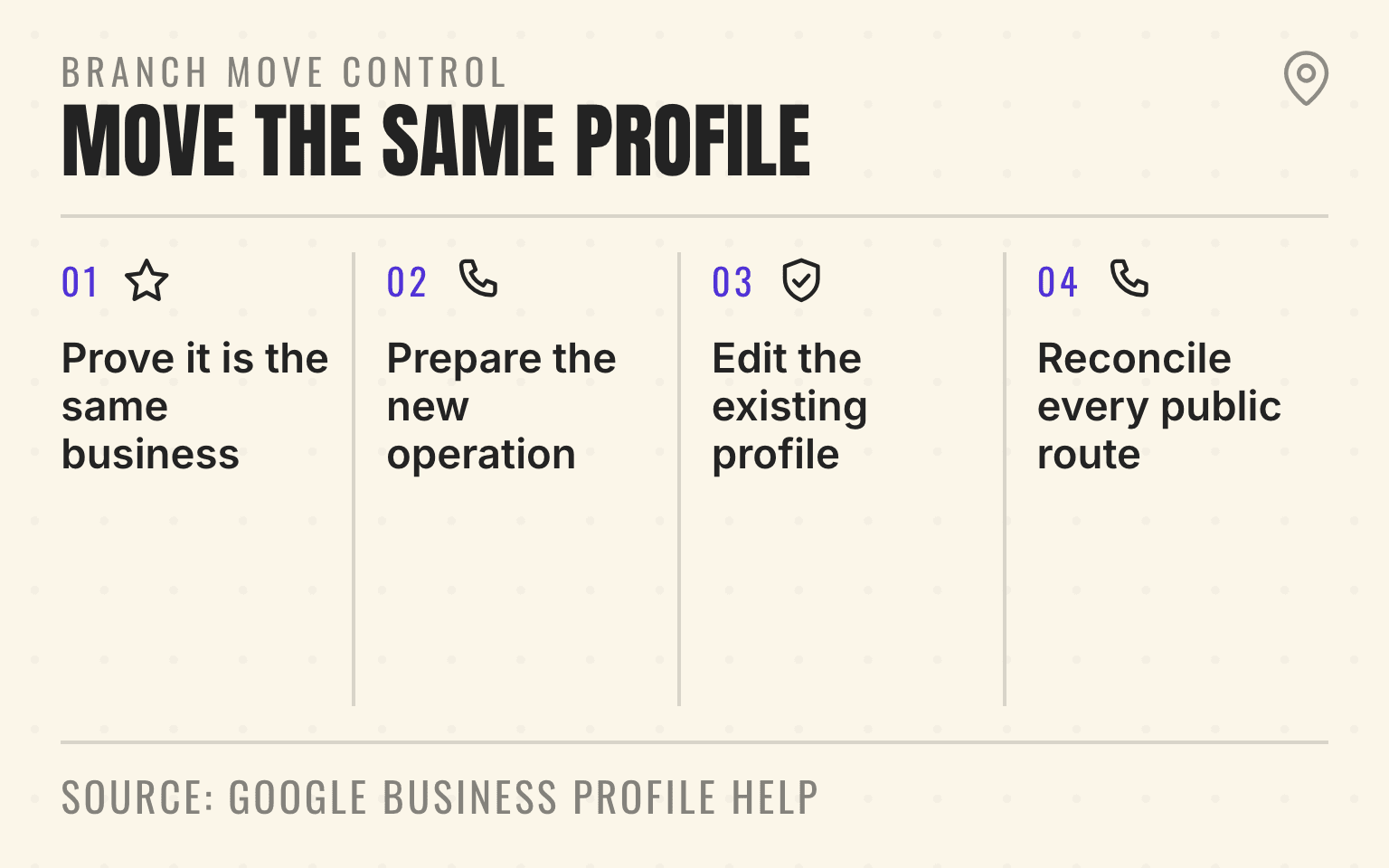
Branch move control
Move the existing profile
- 01Classify
Prove it is the same business
Preserve the profile, reviews, and branch history
- 02Prepare
Prepare the new operation
Signage, staff, service area, call route, page, and evidence
- 03Change
Edit the existing profile
Update the address and complete any reverification Google requires
- 04Verify
Reconcile every public route
Search, Maps, page, citations, phone, booking, and old-address status
Google Business Profile Help: Resolve duplicate profiles and ownership issues; checked September 2, 2026.
- Four-step process for moving an existing Google Business Profile to a new address.
- 1. Prove it is the same business: Preserve the profile, reviews, and branch history
- 2. Prepare the new operation: Signage, staff, service area, call route, page, and evidence
- 3. Edit the existing profile: Update the address and complete any reverification Google requires
- 4. Reconcile every public route: Search, Maps, page, citations, phone, booking, and old-address status
For a plumbing roll-up, HVAC platform, garage-door franchise, pest-control brand, or med-spa group, a loose address edit can create three bad customer paths at once. Google may show the new address while the website still shows the old one. A location page may redirect before the profile finishes reverification. A directory or AI answer may keep sending customers to a building the company has already left. The website gap carries a newer risk too: Google says it may publish a user-suggested edit nobody answers within four days if public information such as the business website supports it, so an old address left on the location page can back a customer's out-of-date suggestion (the four-day rule for suggested edits).
Google's rule is the right starting point: do not create a new Business Profile because the same business moved. Edit the existing profile, complete any required reverification, and reconcile the public sources that describe the branch.
Important
Treat an address change as a controlled branch migration. Preserve the profile, map the old and new store codes, change one approved location record, then verify every public customer route.
First decide whether this is a move
A move means the same operating business is leaving one address and serving customers from another. The public name, ownership record, core category, customer promise, and branch identity remain substantially the same.
That is different from opening an additional location. A new eligible branch needs its own profile because both locations continue to operate. It is also different from closing one branch and transferring its market to another existing branch. The closed-location cleanup workflow covers that handoff.
An acquisition can make the decision less obvious. If the acquired branch moves and rebrands at the same time, separate the control changes. Establish profile ownership, decide the real public name, and document the address move before changing multiple identity fields together. The roll-up rebrand workflow explains how to migrate the wider source set without inventing a hybrid name.
Google says not to create a new profile because a business changes its physical location or ownership. That matters because a duplicate profile splits management, customer actions, and review history instead of preserving one branch record.
Build the move record before editing Google
The profile edit should be the execution step, not the planning meeting. Start with one approved move record keyed to the location's internal branch record, with the old and planned store codes recorded separately.
For each moving branch, capture:
- Existing and planned store codes, Business Profile ID, current Place ID, Business Profile URL, current address, new address, move date, and operating owner
- Customer-facing name, primary category, local phone route, location-page URL, hours, and service-area configuration
- Whether customers visit the new address, whether permanent signage is installed, and whether the team can access the premises
- Website, locator, LocalBusiness markup, paid landing pages, call routing, booking links, and priority citation sources that need the new facts
- A rollback owner and the proof required before the old location stops routing customers
Google's business-representation guidelines require an accurate, precise address and say businesses showing an address should maintain permanent fixed signage at that location. Virtual offices are not eligible. A service-area business should hide the address when it does not serve customers there.
This is why the signed lease alone is not the operating test. The new branch should be real enough to receive customers when applicable, dispatch the promised work, answer its local phone path, and produce the evidence Google may request.
Change the existing profile and prepare to verify again
In Google Search or Maps, open the existing Business Profile, choose Edit profile, select Location, and enter the complete new address. Use the real suite or unit when it is part of the deliverable address. Adjust the map pin only when Google places it incorrectly.
Google says a verified business that moves to a new address must verify again. Do not schedule the edit for a day when nobody can access the branch, signage is not installed, or equipment is still in transit. The available verification method is selected by Google, so the operating team should be ready to show the business name, surrounding area, fixed equipment or inventory, and authorized access if requested.
For a service-area business that does not receive customers at the address, clear the public address and maintain the actual service areas. Google allows up to 20 service areas and recommends keeping the overall boundary within roughly two hours of driving time from the business base. Do not use a hidden residential address as a public storefront, and do not create a second profile simply because the dispatch base changed.
Review continuity is another reason to update the existing profile. Google says reviews for a business that moves but keeps the same name transfer to the new location automatically. It identifies exceptions for hotels, golf courses, and scenic attractions, where support may need to help.
Pro Tip
Pilot the process on one representative location before changing a portfolio. Confirm the edit path, reverification evidence, website release, and public readback, then use the result to tighten the runbook.
Next step
Is AI recommending your business?
Find out how visible you are across ChatGPT, Gemini, Perplexity, and AI Overviews.
Use bulk edits narrowly
For eligible multi-location accounts, Google's bulk spreadsheet workflow can reduce repetitive profile work. It can also multiply a bad field across the portfolio.
Google advises operators to download the latest business information before preparing an upload, include only the columns they intend to change, and preview the proposed updates before applying them. Its move-specific bulk field guidance says to replace the old business code with a new one when a business moves to a new location. Preserve the old-to-new mapping in the internal branch record, and use the Google identifier crosswalk to keep store codes separate from Business Profile IDs and Place IDs.
Do not combine address moves with unrelated category, name, phone, and hours experiments. A narrow file gives the reviewer a clear change set and gives the operator a clearer rollback path. If ten branches are moving on different dates, stage them in cohorts based on operational readiness rather than uploading all ten because the spreadsheet is finished.
Align the location page without erasing useful history
The website should tell the same story as the profile. Update the visible address, directions, local phone path, service coverage, hours, photos, contact action, and LocalBusiness structured data on the canonical branch page.
If the page URL does not contain the old address or old city, keep the URL stable and update the page. If the move changes the actual market and the old URL is no longer accurate, publish a useful replacement page and use a permanent 301 or 308 redirect. Google Search Central recommends permanent server-side redirects for durable URL moves, plus updated internal links and sitemaps. Avoid redirect chains.
The LocalBusiness schema rollout guide explains how to keep one branch entity connected to its parent organization while local facts change. Structured data should match the visible page. It should not preserve the old address after the customer-facing page has moved on.
A multi-location local SEO operating system should make the address change once in the approved branch record, then publish it to the owned surfaces that depend on that record. It should not ask a regional manager to remember five separate templates.
Reconcile citations and customer routes
Google is not the only source that can keep the old address alive. Apple Maps, Bing Places, Yelp, BBB, industry directories, franchise locators, local chamber pages, paid landing pages, call tracking, and booking systems may still describe the former branch.
Prioritize the sources that can misroute a customer or repeatedly appear in local search and AI answers. A former address on a low-value scraper is less urgent than an old address on the location page linked from Google Business Profile. The entity-fragmentation audit helps separate material identity errors from harmless formatting differences.
Keep an evidence log with the source URL, old value, approved value, owner, submitted date, and verified date. That turns citation cleanup into a queue instead of a vague instruction to "fix NAP."
Read back the public result
An accepted edit is not the same as a completed move. Google says profile edits are reviewed and can remain pending. The operator needs independent readback after the change begins appearing publicly.
Check the branch in Search and Maps as a customer would, then confirm:
- The existing profile shows the approved address or the correct hidden-address service-area state
- Reviews, photos, category, hours, phone, website link, and booking actions still belong to the same branch
- The location page returns 200 at its stable URL, or the old URL permanently redirects to the correct replacement without a chain
- Visible page facts and LocalBusiness markup show the same current location information
- The locator, paid campaigns, call route, booking flow, and priority citations no longer send customers to the former address
- Branded, category, and AI-search checks no longer surface the old location as the active branch
Use the Google Business Profile QA playbook for the final location-level check. Record what changed, where it was verified, and which source is still pending.
Do not promise that the address move will preserve an exact local ranking. Google does not publish such a guarantee. Preserve what the operator can control: one legitimate profile, one stable branch identity, accurate customer routes, current owned pages, and a documented public readback.
Sources
- Resolve duplicate profiles and ownership issues, Google Business Profile Help, no publication date. Checked September 2, 2026.
- Edit your Business Profile, Google Business Profile Help, no publication date. Checked September 2, 2026.
- Move your reviews across Business Profiles, Google Business Profile Help, no publication date. Checked September 2, 2026.
- Guidelines for representing your business on Google, Google Business Profile Help, no publication date. Checked September 2, 2026.
- Manage your service areas, Google Business Profile Help, no publication date. Checked September 2, 2026.
- Import and update profiles in bulk, Google Business Profile Help, no publication date. Checked September 2, 2026.
- Understand profile edit statuses, Google Business Profile Help, no publication date. Checked September 2, 2026.
- Site moves with URL changes, Google Search Central, December 2025. Checked September 2, 2026.
Dylan Allen-Arnegård is the CEO & Co-Founder of Cheers, the done-for-you local visibility partner for established home-service companies and PE-backed portfolios.