

Google's video SEO documentation, last updated December 18, 2025, puts the order in a single sentence: "The indexed watch page must be performing well in Search before its video can be considered for indexing." Video does not rescue a weak page; the page has to carry the video first. A clip buried in a carousel, posted only to social media, or copied across 80 branch pages gives Google and a customer very little context, while a service video with a stable player, descriptive text, a real thumbnail, matching metadata, and one accountable location is something the business can actually test.
That is a narrower promise than most video-marketing advice makes. Google does not document a special video shortcut for AI Overviews or AI Mode. Its guidance for AI features points back to normal Search eligibility, useful visible text, and media that supports the page.
For a multi-location HVAC, plumbing, garage-door, roofing, pest-control, or restoration brand, the operating question is not "How many clips did we post?" It is "Which service and location does this video prove, can a search system inspect it, and did the customer reach the right branch?"
Use the broader Google AI Search guide for local businesses for the full source stack. If you need a market-level baseline before choosing which services to film, run the Cheers AI Visibility Grader.
Important
A video can become evidence. Uploading one does not prove that Google indexed it, that an AI answer used it, or that the location earned a recommendation.
The short answer: video is evidence, not a shortcut
Google can show videos in video results, main search results, Google Images, and Discover. It can also use a page containing video as a normal text result. Those outcomes begin with a page Google can crawl and index.
For AI Search, the claim should stay just as disciplined. Google's guidance for AI features says the quiet part out loud:
There are no additional technical requirements. You don't need to create new machine readable files, AI text files, or markup to appear in these features.
The same page asks for "Making sure that important content is available in textual form" and for "Supporting your textual content with high-quality images and videos, when applicable". Video sits in the supporting role there. It is not the lead.
That makes service video useful when it answers a hiring question. A restoration clip can show how a moisture inspection is performed. An HVAC clip can isolate the sound that suggests a failing condenser fan. A garage-door video can explain why a spring-balance test is not a safe homeowner repair. The surrounding page should name the service, explain the decision, identify the responsible market where relevant, and provide a working next step.
The video is the proof. The page makes the proof findable and understandable.
Next step
Is AI recommending your business?
Find out how visible you are across ChatGPT, Gemini, Perplexity, and AI Overviews.
What Google requires for video indexing
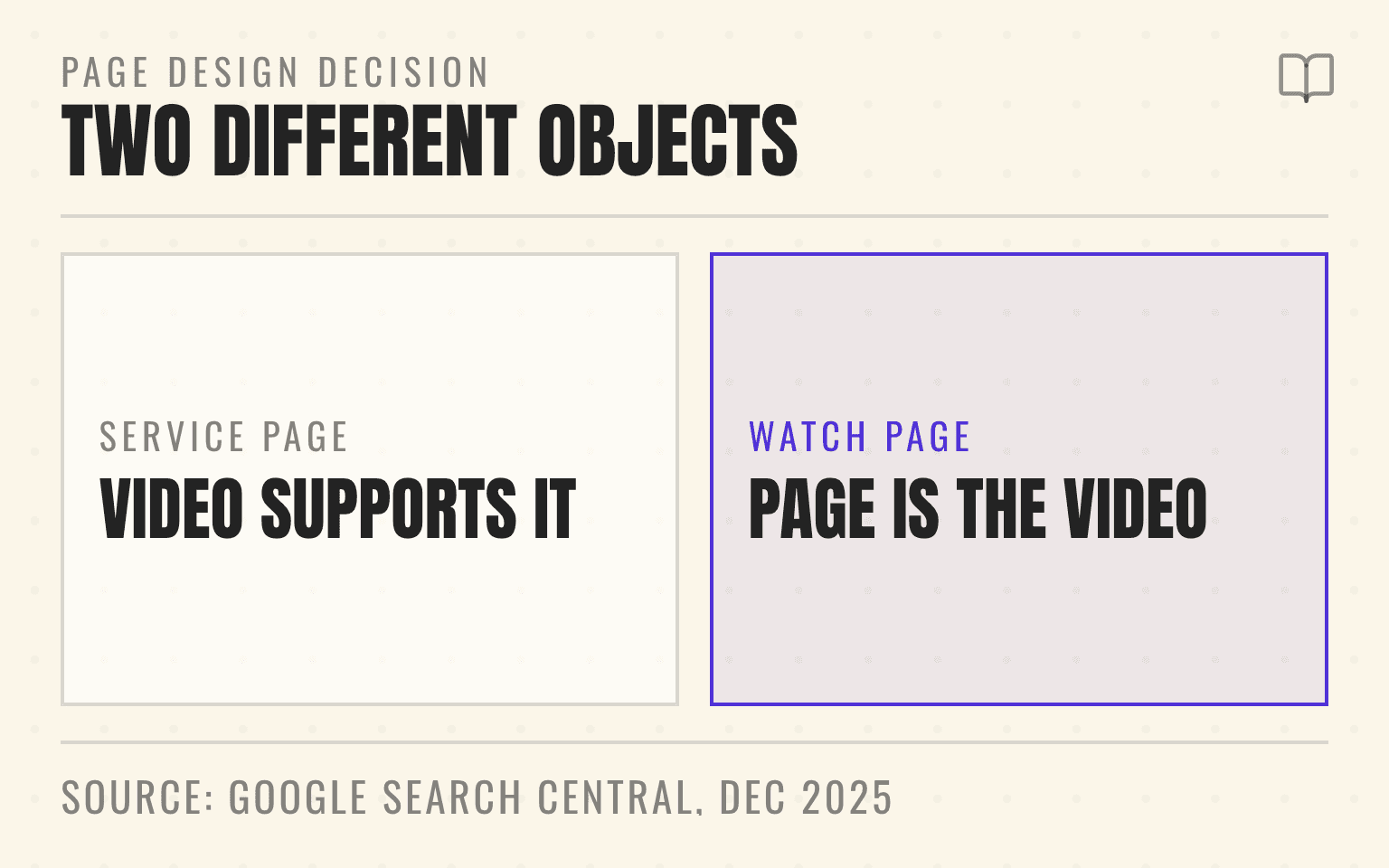
Google's video SEO best practices separate two ideas that vendors often blur: a page that contains a video and a video watch page.
A watch page is a page whose main purpose is to let someone watch one video. Google says the video should be prominent on the page, rendered in the browser, and available at a stable URL. The page must be indexed before the video can be considered for video results. Google also needs a valid, accessible thumbnail and enough access to the video file or player to understand and preview it.
A service or location page can still contain a useful video without becoming a watch page. Google may index the page as a normal text result while treating the video as supplementary. That is often the right design for a short "what to expect" clip, a technician explanation, or a location-specific service proof module.
Choose the page type based on customer intent. If someone would search for and watch the demonstration on its own, a dedicated watch page may be justified. If the video clarifies a service page, keep it there and make the surrounding answer complete.
Do not hide the only meaningful video behind a click that never renders the player, swap thumbnails at temporary URLs, or publish a player that crawlers cannot fetch. Google provides a Video indexing report in Search Console precisely because an embedded video and an indexed video are not the same state.
Why the page still needs useful text
A customer may not play the video. A crawler may not interpret every spoken detail. An answer engine may retrieve a passage from the page without retrieving the media. The service facts therefore belong in text.
Write a concise summary that answers the question the clip addresses. Identify the equipment, symptom, decision, and safety boundary. Add genuine market context when climate, building stock, code, dispatch policy, or local availability changes the answer. Include a cleaned transcript when the explanation contains details worth quoting or searching, but remove verbal filler and do not turn a two-minute clip into an unreadable wall of captions.
On YouTube, caption files make spoken content accessible and searchable inside the viewing experience. For longer demonstrations, manual chapters help a viewer reach the diagnostic step, repair explanation, maintenance advice, or customer handoff. Those features improve the asset. They do not replace the owned page.
This is the same principle behind the location-page standard for AI Search: the page should identify the local operation, explain what it does, show proof, and route the customer correctly. Video strengthens that record when it is attached to the same facts.
How to connect one video to the right location
National marketing teams tend to start with the channel. Local operators should start with the claim.
Suppose a 45-location plumbing group records a sewer-camera walkthrough in Denver. The useful facts may include the pipe condition, the diagnostic method, the neighborhood's older housing stock, and which team can perform the next step. Publishing the same clip on thin pages for Phoenix, Tampa, and Columbus would imply local proof the video does not contain.
Instead, decide whether the video belongs to one branch, one market, one service line, or the whole brand. Use that scope consistently in the page title, visible copy, video title, description, transcript, thumbnail, internal links, and contact path. If the video demonstrates a universal process but was filmed at one branch, say so plainly.
Structured data should repeat visible facts, not add hidden geography. Google's VideoObject documentation requires a name, thumbnail URL, and upload date for video rich-result eligibility. It recommends additional properties such as a description and a content or embed URL. The markup should describe the same asset a visitor can see.
For multi-location pages, keep the entity layer equally disciplined. The Schema Markup guide explains why structured data is labeling, not a license to manufacture a branch connection.
What the YouTube citation data does and does not show
Cheers also checked whether YouTube appears in real AI source sets for home-services brands. The read-only aggregate covered eight completed weeks from June 22 through August 10, 2026, across 41 active home-services organizations. It included 11,415,538 repeated source observations from 23,891 cited domains.
YouTube domains appeared in 38,357 observations, or 0.34% of the total, and were present for 38 of the 41 organizations. The provider split was:
- Google AI Overviews: 29,176 YouTube source observations
- Perplexity: 6,068
- ChatGPT: 2,844
- Gemini: 269
The sample clears Cheers' public threshold of at least 10 organizations and 100 relevant observations. It still does not show that a video caused a recommendation. These are repeated source observations, not unique customers, prompts, videos, clicks, leads, or ranking votes. A source can appear more than once across markets, providers, weeks, and prompt runs.
The useful conclusion is modest. YouTube is present across the local AI source environment, but it represents a small share of the observed source set. A home-service brand should treat video as one supporting source format inside a larger system of location pages, reviews, profiles, citations, and operational proof.
A separate Cheers read lands in the same place. In the Cheers Market Baseline for the 28 days ending September 2, 2026, 32 home-services buyer prompts were run across 100 metro service areas on four engines, producing 356,019 classified citations. The social and forum class that contains youtube.com took 2.8% of them. Contractor and franchise websites took 68.1%. Method and definitions are published in the Cheers Research methodology, and the full cut sits in the Home Services AI Visibility Index 2026.
Cheers Market Baseline
Video is a small slice
2.8%
Share of cited domains in the social and forum class, which contains youtube.com
68.1%
Contractor and franchise websites
23.0%
Directories and review platforms
356,019
Citations classified in the window
Cheers Market Baseline, 28 days ending September 2, 2026: 32 home-services prompts in 100 metro service areas across four engines, aggregate only. Method at cheers.tech/research/methodology.
| Finding | Value | Base |
|---|---|---|
| Share of cited domains in the social and forum class, which contains youtube.com | 2.8% | Stated in the source |
| Contractor and franchise websites | 68.1% | Stated in the source |
| Directories and review platforms | 23.0% | Stated in the source |
| Citations classified in the window | 356,019 | Stated in the source |
A multi-location publishing workflow
The most scalable workflow is not a quota of four videos per branch. It is one controlled path from field question to public readback.
- Select a real hiring question, assign the service and geographic scope, and name the branch or subject-matter owner before recording.
- Capture one clear demonstration with customer permission, safe working practices, clean audio, and no private details in frame.
- Publish the video on an indexable watch, service, or location page with visible text, a stable thumbnail, captions or transcript, and a working customer route.
- Add matching VideoObject data and, when video discovery matters at scale, include the page in a video sitemap.
- Verify page indexing, video indexing, player and thumbnail access, location attribution, and the call, form, or booking destination before expanding the batch.
The owner matters. Marketing can edit the page and metadata. A field leader must approve the service explanation. The branch or dispatch team must verify the availability and customer route. Analytics must preserve the location through the conversion path.
Google Business Profile media is a separate surface. Google says profile photos and videos can remain pending, be rejected, or take 24 to 48 hours to appear. A video shown on a profile does not prove that the website video is indexed, and an indexed watch page does not prove that profile media is live. Verify each surface on its own.
What to measure before scaling the next batch
Start with eligibility. In Search Console, inspect whether the page is indexed and whether Google found the video. Use the Video indexing report to diagnose missing watch pages, invalid thumbnails, unsupported formats, blocked media, or a video that is not prominent enough.
Then inspect discovery. Search Console's Performance report can be filtered by the Videos search type, while the page's normal search queries may show demand around the service question even when the video never earns a dedicated video result. Keep those states separate.
Finally, measure the customer path by location. Track the page, market, call or form destination, booked job, and revenue outcome. A rise in video impressions is an eligibility signal. It is not a completed service call.
For AI answers, rerun a fixed set of buyer questions by market and record the cited sources. If YouTube appears, identify the exact video and the business facts it supported. If the owned page appears, inspect the passage retrieved. If neither appears, improve the source only when the page is genuinely weak. Do not rewrite a useful service page after one volatile answer.
Data methodology
The Cheers source analysis used weekly, provider-level citation-domain aggregates for active home-services organizations. The completed observation window ran from June 22 through August 10, 2026. YouTube was defined as youtube.com, www.youtube.com, or youtu.be. The analysis included organizations and provider segments only after the public minimum of 10 organizations and 100 relevant observations was met.
No customer names, raw prompts, individual results, private URLs, row identifiers, or contact data were used. Counts represent repeated source observations, so they should not be interpreted as unique citations, viewers, searches, or leads. The analysis measures source presence, not causation or ranking weight.
A supported social or video account can also have its own Search Console platform property. Use that report to inspect Google discovery of the account while keeping owned-site video indexing separate.
Sources
Every link below was opened and checked September 2, 2026.
- Video SEO best practices. Google Search Central, last updated December 2025. Source of the watch-page definition, the indexing order quoted in the opening, the Googlebot-accessible thumbnail rule, and the statement that Google does not guarantee a video feature from markup.
- Video (VideoObject) structured data. Google Search Central, last updated December 2025. Source of the required name, thumbnailUrl, and uploadDate properties and the recommended description and content or embed URL.
- AI features and your website. Google Search Central, last updated December 2025. Source of the quoted "no additional technical requirements" passage and of the textual-content and supporting-media guidance.
- Video indexing report. Google Search Console Help, checked September 2026. Source of page-level video indexing status, issue diagnosis, and validation.
- Video sitemaps and alternatives. Google Search Central, checked September 2026. Source of video discovery and the sitemap-to-host-page relationship.
- Add subtitles and captions. YouTube Help, checked September 2026. Source of uploaded caption files and transcript synchronization.
- Video chapters. YouTube Help, checked September 2026. Source of manually defined chapter timestamps and titles.
- Add photos or videos to your Business Profile. Google Business Profile Help, checked September 2026. Source of the pending, rejected, and live media states.
- Cheers Research methodology and the Home Services AI Visibility Index 2026. Cheers Market Baseline, 28 days ending September 2, 2026. Source of the 356,019-citation class mix quoted above.
Dylan Allen-Arnegård is the CEO & Co-Founder of Cheers, the done-for-you local visibility company for multi-location service businesses.