

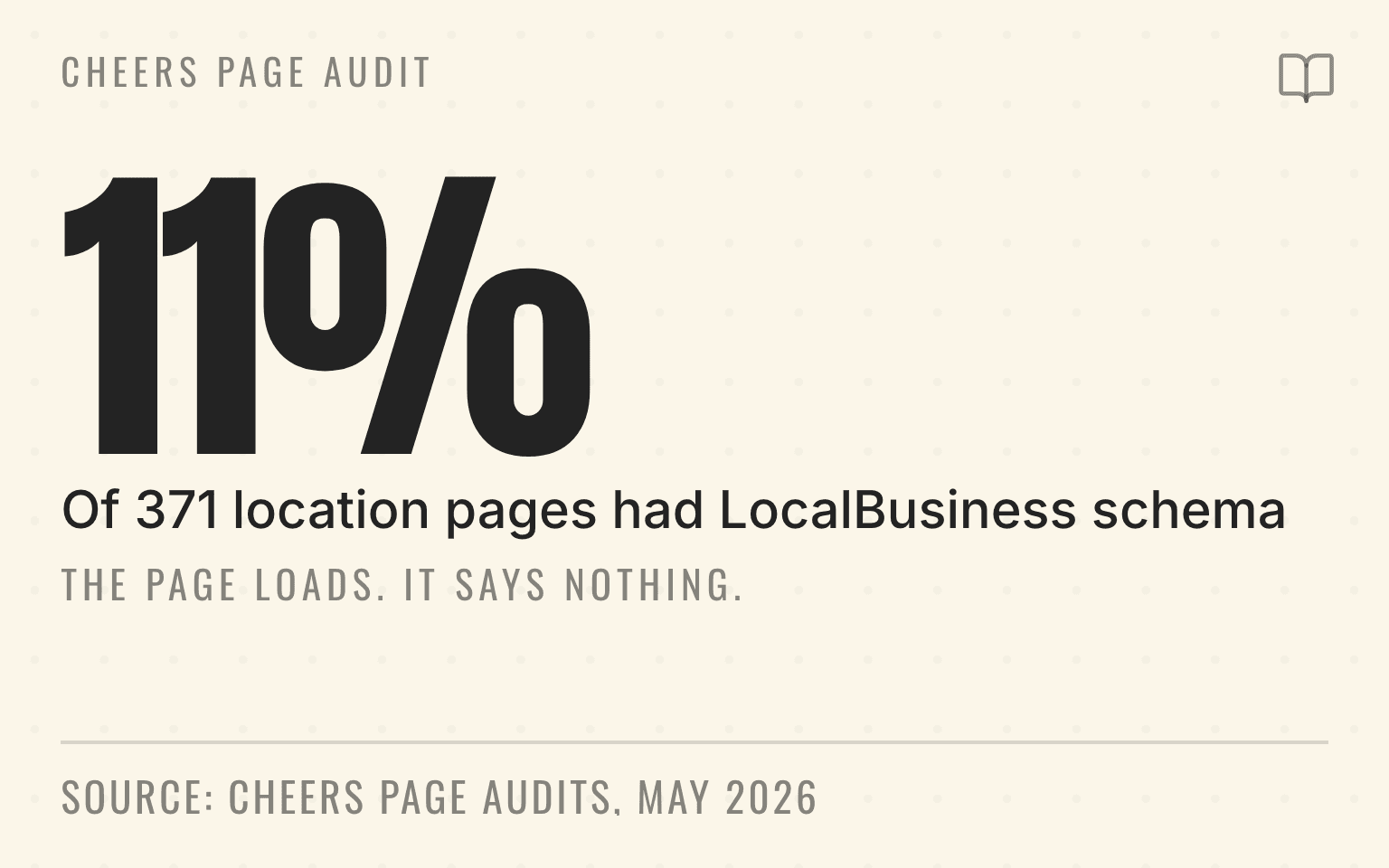
Between May 12 and 19, 2026 we audited 371 location pages across six organizations. Every single page returned a successful status code. Forty-one of them published LocalBusiness structured data. So roughly eleven percent of pages that loaded perfectly well actually told a machine which business they described.
Cheers page audit
The page loads. It says nothing.
11%
41 of 371 location pages had LocalBusiness structured data
371
Pages audited
100%
Returned a successful status code
330
Published none
Cheers website optimization audits, May 12 to 19, 2026: 371 location pages across 6 organizations, average 2.4 detected issues. A narrow anonymized product-audit sample, not a market benchmark.
| Finding | Value | Base |
|---|---|---|
| 41 of 371 location pages had LocalBusiness structured data | 11% | Stated in the source |
| Pages audited | 371 | Stated in the source |
| Returned a successful status code | 100% | Stated in the source |
| Published none | 330 | Stated in the source |
JSON-LD is how you close that gap. It stands for JavaScript Object Notation for Linked Data, and it structures information on your website so machines can read it directly instead of inferring it from page copy.
Pro Tip
Think of JSON-LD as a machine-readable business card. Instead of hoping an AI can infer your business name, address, and services from page text, you provide a structured version of the facts.
Why this matters for GEO
AI systems pulling information about local businesses face a challenge: the web is messy. Your business name might be styled differently in your logo than in your footer. Your address might be written multiple ways. Your services might be scattered across pages.
JSON-LD helps by providing clean, standardized data. When a crawler encounters JSON-LD on your site, it can extract your business information with less ambiguity.
Important
JSON-LD can describe visible business facts in a machine-readable format. It is not a recommendation guarantee and should not introduce claims that are absent from the page.
Google's general structured data guidelines, last updated July 10, 2026, put the boundary in one sentence:
Your structured data must be a true representation of the page content.
The same page tells you not to mark up content that is not visible to readers of the page. That is the rule that decides most implementation arguments.
For the broader structured data layer, read What Is Schema Markup?. For multi-location brands, pair JSON-LD with the entity cleanup work in How to Fix Conflicting Records Across 50 Locations. If the branch pages themselves are thin, start with what location pages should include for AI search, and see website optimization for how we run this work across a location set.
What JSON-LD looks like
Here's a simplified example of LocalBusiness JSON-LD:
{
  "@context": "https://schema.org",
  "@type": "Plumber",
  "name": "Smith Plumbing",
  "address": {
    "@type": "PostalAddress",
    "streetAddress": "123 Main St",
    "addressLocality": "Austin",
    "addressRegion": "TX",
    "postalCode": "78701"
  },
  "telephone": "+1-512-555-0123",
  "areaServed": "Austin, TX",
  "sameAs": [
    "https://www.google.com/search?q=Smith+Plumbing+Austin",
    "https://www.yelp.com/biz/smith-plumbing-austin"
  ]
}
This gives crawlers a structured version of the core facts: this is a plumber named Smith Plumbing at this address with this phone number.
Key schema types for local businesses
LocalBusiness is the foundation, but you should use more specific types when available. Plumber, Electrician, HVACBusiness, BeautySalon. These give AI systems more context about your category.
Service schema describes what you offer. If you're a plumber who does water heater installation, emergency repairs, and drain cleaning, each service can be structured.
GeoCoordinates defines your service area. This helps AI systems recommend you for location-specific queries.
FAQPage marks up useful questions and answers on pages where that content is visible to visitors.
sameAs links connect your website to verified profiles like Google Business Profile, Yelp, Facebook, BBB, Apple Maps, and industry directories. For ready-to-use Organization and LocalBusiness versions, see these sameAs schema examples.
Next step
Is AI recommending your business?
Find out how visible you are across ChatGPT, Gemini, Perplexity, and AI Overviews.
Common mistakes
Important
In our May 2026 audit sample, 330 of 371 location pages published no LocalBusiness structured data. That leaves crawlers to infer the business from page copy and third-party records.
Using generic LocalBusiness when specific types exist. Google's LocalBusiness documentation asks for the most specific subtype possible, so Plumber beats LocalBusiness when Plumber fits.
Inconsistent data. If your JSON-LD says your phone number is 512-555-0123 but your website displays a different number and your Google profile has another, you've created confusion. Standardize.
Overusing review markup. This is the mistake plugins cause most often, and Google's review snippet documentation, updated July 24, 2026, is direct about it:
If the entity that's being reviewed controls the reviews about itself, their pages that use LocalBusiness or any other type of Organization structured data are ineligible for star review feature.
The same page says ratings must be sourced directly from users. A testimonial slider you curate does not qualify, however honest the testimonials are.
Not updating. If your JSON-LD has your old address or outdated rating data, you're sending bad information to AI systems.
Implementation
JSON-LD goes in a script tag in your page's head section. Most website platforms have plugins or settings for adding structured data. If you're using WordPress, there are several schema plugins. If you have a custom site, your developer needs to add this manually.
Pro Tip
After implementation, test with Google's Rich Results Test or Schema.org's validator. These tools will flag errors and missing fields.
Every local business website should carry LocalBusiness schema at minimum. Without it you are asking a crawler to reconstruct your business from page copy and whatever a directory happens to say, which is exactly the guessing game the 330 pages in our audit sample are stuck in.
Sources
Checked September 2, 2026.
- General structured data guidelines. Google Search Central, last updated July 10, 2026. developers.google.com/search/docs/appearance/structured-data/sd-policies. Source of the quoted true-representation rule.
- Review snippet (Review, AggregateRating) structured data. Google Search Central, last updated July 24, 2026. developers.google.com/search/docs/appearance/structured-data/review-snippet. Source of the quoted self-controlled-review restriction and the user-sourced ratings rule.
- Local business (LocalBusiness) structured data. Google Search Central, last updated December 10, 2025. developers.google.com/search/docs/appearance/structured-data/local-business. Source of the most-specific-subtype guidance.
- LocalBusiness. Schema.org vocabulary, accessed September 2026. schema.org/LocalBusiness. Source of the type definition and property list.
- Getting Started. Schema.org, accessed September 2026. schema.org/docs/gs.html. Source of the shared-vocabulary description.
- Rich Results Test. Google, accessed September 2026. search.google.com/test/rich-results. Validation tool referenced in the implementation section.
- Cheers website optimization audits, May 12 to 19, 2026: 371 location pages across 6 organizations, aggregate only. Source of the structured-data detection counts. Related panel data is published in the home services AI visibility index and methodology.
Amadeus Peterson is the CTO of Cheers, the local search platform for service businesses.